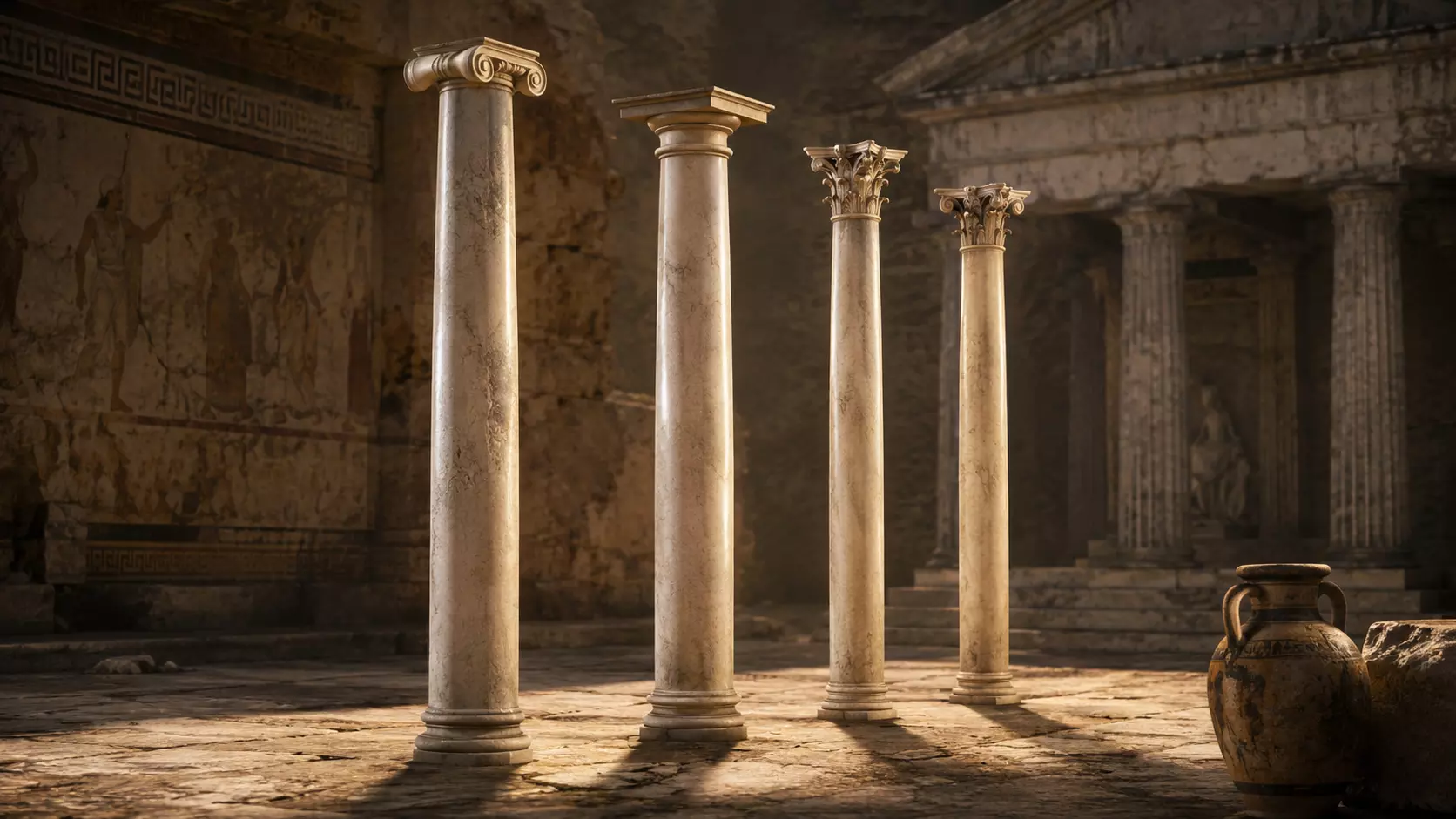
Columns and Fountain Pack – High-Quality and Great Architectural Low-Poly 3D Assets
High-quality low-poly 3D pack featuring architectural columns and decorative fountains, designed for game development, architectural…
View model →3D MODEL
ABOUT THIS MODEL
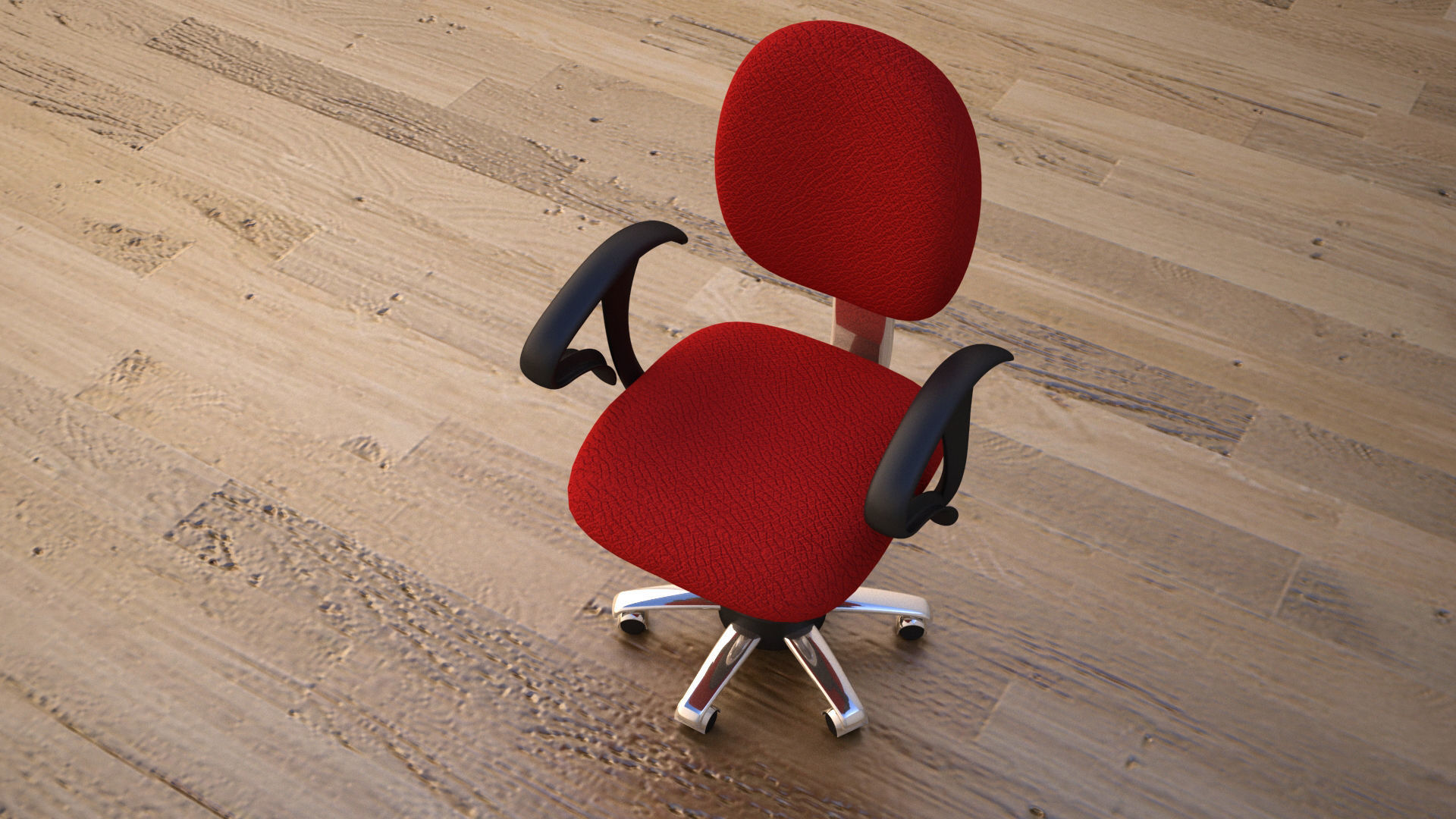
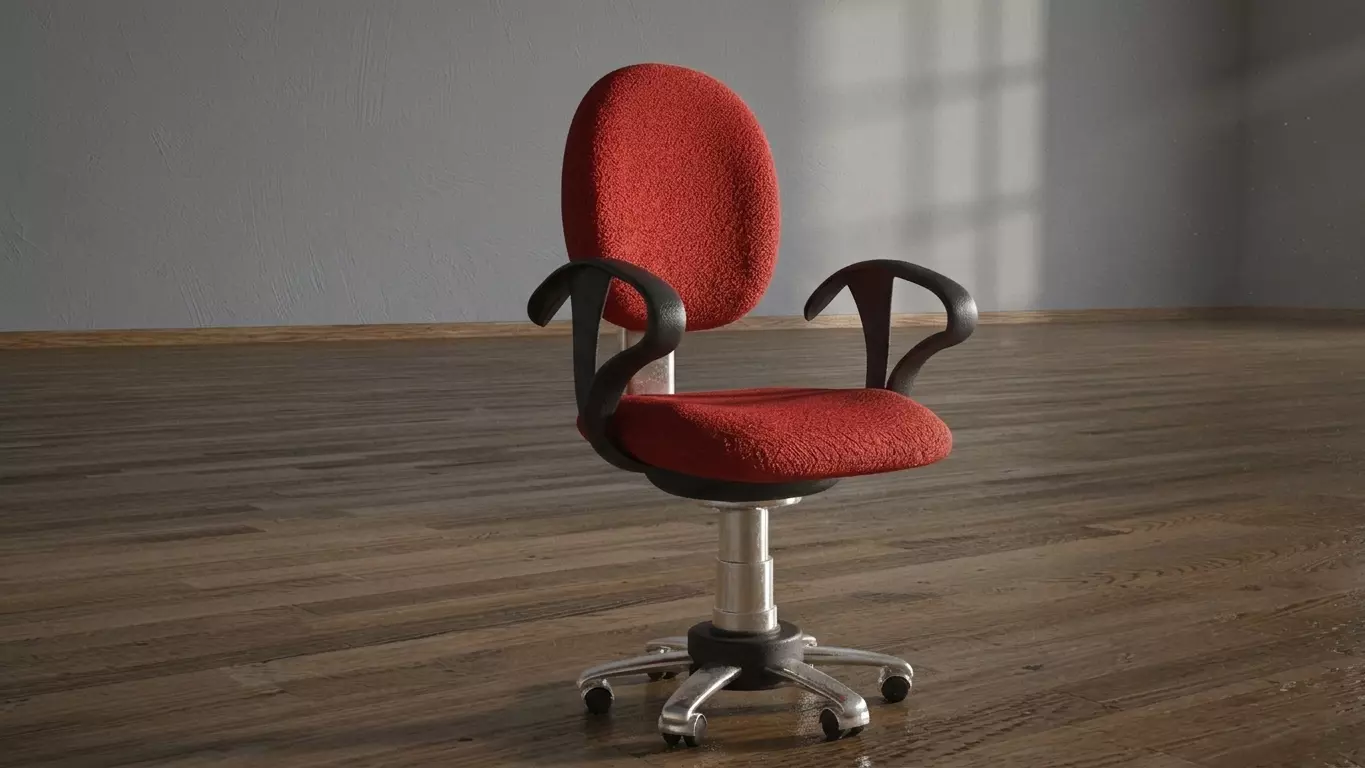
Ergonomic Office Chair 3D Model – Office Furniture Asset for Architectural Visualization, Interior Design & Games
Bring realistic contemporary office furniture into your 3D scenes with this Ergonomic Office Chair 3D Model, a versatile digital asset designed for workspace visualization, interior design, architectural visualization, 3D rendering, game environments and real-time 3D projects.
An office chair is one of the key elements required to make a workspace immediately recognizable. Even a carefully modeled office interior can appear incomplete when essential furniture and everyday objects are missing. Adding a detailed office chair 3D model to a desk setup helps establish scale, functionality and the visual identity of the space.
This model can be incorporated into a wide variety of contemporary environments, including corporate offices, home offices, coworking spaces, studios, meeting rooms, computer workstations, creative offices and modern residential interiors.
Its contemporary ergonomic-inspired appearance makes it particularly suitable for projects where modern office furniture and realistic workspace design are important visual elements.
This ergonomic office chair 3D model is designed as a reusable furniture asset for different types of digital scenes.
The model can be positioned at a desk, workstation or conference table and combined with other furniture and environmental elements to create a complete office environment.
Office chairs are especially useful in architectural visualization because they help viewers understand how a workspace is intended to function. A desk alone may communicate the presence of a workstation, but adding a chair immediately establishes the relationship between the furniture elements.
The model can therefore be used as part of a larger interior composition rather than simply as an isolated furniture object.
Depending on the project, it can be placed in the foreground as a prominent design element or repeated throughout a larger office environment.
Interior designers and architects frequently need realistic furniture assets to populate their visualization scenes.
This office chair 3D asset can be used to illustrate how furniture interacts with desks, workstations, rooms and circulation areas.
For example, it can be positioned alongside a contemporary desk with a computer monitor, keyboard, desk lamp and storage furniture to create a realistic home office.
In a corporate environment, multiple chairs can be arranged around desks or meeting tables to demonstrate a proposed office layout.
The model can therefore support both individual room visualization and larger workspace concepts.
This Ergonomic Office Chair 3D Model can be useful for:
Its relatively universal appearance allows the asset to be incorporated into many different contemporary workspace concepts.
Modern office environments typically combine functional furniture with a clean and contemporary visual language.
A suitable office furniture 3D model can help reinforce this aesthetic when creating digital representations of professional workspaces.
The chair can be combined with desks, tables, computers, monitors, shelves, cabinets, lighting fixtures and decorative objects to produce a complete office environment.
For interior visualization, the chair can also contribute to the perceived scale of the room.
Furniture dimensions and relationships between objects are important elements of interior visualization because they help viewers understand how people would occupy and move through a space.
The growth of flexible and remote working environments has made the home office an increasingly common subject for architectural and interior visualization.
This office chair 3D model can be used to populate residential workspaces, studies and dedicated home offices.
Place the chair behind a contemporary desk, next to a computer workstation or within a small study to create a practical and believable workspace.
It can be combined with bookshelves, storage cabinets, desk lamps, plants, monitors and other household elements to create a complete interior.
For real-estate visualization, the asset can also help transform an otherwise empty room into a recognizable home office concept.
The model can also be used in larger corporate office visualization projects.
Modern offices often contain numerous workstations, and a realistic chair is an important part of communicating the intended use of these spaces.
Multiple instances of the model can be arranged around desks to represent employee workstations.
It can also be used in:
The chair can therefore become part of a broader office furniture library used to populate an entire architectural visualization project.
Coworking spaces require furniture arrangements that communicate flexibility and collaboration.
An ergonomic office chair 3D model can be positioned around shared tables, individual desks or collaborative workstations.
For visualization artists, this provides a practical way to create scenes that look populated and functional.
Combine several chairs with desks, laptops, monitors, lighting and storage elements to create a convincing shared workspace.
The model can also be useful for conceptual presentations where different furniture configurations are being compared.
Furniture plays an important role in communicating the intended organization of an office.
When creating a workspace visualization, designers can use furniture models to demonstrate how employees might interact with desks, meeting areas and shared spaces.
An office chair provides a useful visual reference for workstation proportions and spatial relationships.
For example, a designer can use the model to help visualize the distance between desks, the amount of open space around a workstation or the relationship between seating and conference tables.
The final suitability of any furniture arrangement should, of course, be evaluated according to the actual requirements of the architectural or interior design project.
Architectural visualization requires more than accurate buildings and rooms.
Small environmental details often determine whether an interior render feels complete.
An office chair 3D model can contribute to this realism by introducing an everyday object that viewers immediately associate with workspaces.
The model can be used in still renders, walkthroughs, interactive presentations and other architectural visualization formats.
It can also be positioned strategically to support the composition of an image.
A chair placed beside a desk can create a natural focal point, while multiple chairs can help establish depth and rhythm within a larger office scene.
For 3D artists working on interior renders, reusable furniture assets can significantly simplify scene construction.
Instead of modeling every piece of office furniture from scratch, artists can integrate existing assets into their scenes and concentrate on the broader composition.
This 3D office chair can therefore serve as one component of an interior visualization workflow.
It can be combined with other furniture and architectural elements to create realistic scenes while allowing the artist to focus on materials, lighting, camera composition and overall design.
The model is particularly appropriate for contemporary interiors.
Modern offices frequently combine functional workstations with minimalist architecture, neutral materials, glass partitions, wood finishes and contemporary lighting.
The chair can be incorporated into these environments as a practical furniture element.
It can also be used in residential interiors that feature dedicated work areas.
Because office furniture can vary significantly in style, the final visual result will depend on how the model is combined with surrounding furniture, materials and architectural elements.
The model can also be useful for product visualization and furniture-related digital content.
A three-dimensional chair can be presented independently against a simple background or incorporated into a designed interior.
Depending on the available files and license, artists may use the asset as part of a broader visualization workflow involving studio renders, interior compositions or digital presentations.
For product-specific applications, users should verify the actual specifications and licensing conditions associated with the model before commercial publication.
The model can also serve as an everyday environmental prop in games and real-time 3D environments.
Modern games frequently contain offices, apartments, laboratories, corporate buildings, schools, studios and other locations where office furniture naturally appears.
A chair can therefore be used as a background prop or as part of a larger interactive environment.
For game developers and environment artists, the model can be placed alongside desks, computers, filing cabinets, shelves and other office objects to create a coherent scene.
Its suitability for a particular game engine will depend on the actual technical characteristics of the supplied asset, including polygon count, materials, textures and available file formats.
Office furniture can also play an important role in animated and cinematic environments.
A scene featuring a character working at a computer, attending a meeting or sitting in an office requires appropriate environmental furniture to establish context.
The Ergonomic Office Chair 3D Model can be incorporated into these scenes as part of the surrounding environment.
It can appear in the foreground, behind a character or as part of the background depending on the requirements of the shot.
For cinematic environments, lighting and camera placement can be used to emphasize the chair as either a functional prop or a subtle environmental detail.
The increasing popularity of digital workplaces, virtual environments and interactive experiences creates additional applications for office furniture assets.
A realistic chair can help populate virtual offices, simulated workspaces and other contemporary digital environments.
Architects, designers and developers can use furniture assets to create environments that communicate how a virtual workspace is organized.
The model can be combined with desks, screens, lighting and other objects to create a complete digital office environment.
The chair’s contemporary appearance is inspired by the visual language commonly associated with ergonomic office furniture.
This can make it suitable for scenes where a modern professional workspace is being represented.
The term “ergonomic” in this description refers to the design style and appearance of the 3D model. It should not be interpreted as a certification, medical recommendation or guarantee of ergonomic performance.
The model is a digital representation intended for visualization and creative use.
Users requiring furniture that meets specific ergonomic, safety or professional standards should consult the relevant manufacturer specifications and applicable standards independently.
A single furniture asset can become much more useful when integrated into a larger scene.
For example, an artist can combine this chair with:
Together, these elements can create a convincing contemporary workspace.
This modular approach allows artists to construct different office environments while reusing the same furniture assets across multiple scenes.
For environment artists, the process of adding furniture and props is often referred to as scene dressing.
The goal is to make an environment feel occupied, functional and visually coherent.
An office chair 3D model can contribute to this process by providing a recognizable object that communicates the purpose of a room.
A room containing desks and chairs immediately reads as a workspace, while an otherwise empty architectural shell may appear unfinished.
Strategically distributing chairs throughout an environment can therefore contribute significantly to its visual storytelling.
This model can be incorporated into professional visualization workflows involving architects, interior designers, visualization studios, game developers and 3D artists.
For architectural presentations, it can help demonstrate furniture layouts.
For interior design, it can contribute to room staging.
For games, it can function as an environmental prop.
For animation, it can help establish the context of a scene.
For digital art, it can become part of a broader contemporary interior composition.
The exact workflow will depend on the software and file formats supported by the asset.
Before incorporating the Ergonomic Office Chair 3D Model into a production workflow, review the available technical specifications.
Important information may include:
These specifications are particularly important when the model is being incorporated into a large real-time scene or a production pipeline with specific technical requirements.
If the asset is intended for a particular application such as architectural visualization, animation, Unity, Unreal Engine or another 3D software package, verify compatibility before purchasing.
This office chair asset can be useful for a broad range of professionals and creators, including:
Its contemporary design makes it a practical addition to a digital library of modern furniture and workspace assets.
Looking for an Ergonomic Office Chair 3D Model for your next architectural visualization, interior design project, workspace presentation or digital environment?
This versatile office chair 3D asset can be used in corporate offices, home offices, coworking spaces, studios, meeting rooms, computer workstations, contemporary interiors, games and other modern environments.
Use it as an individual furniture element or combine it with desks, computers, lighting, shelving and additional office furniture to build a complete workspace scene.
Before incorporating the model into a production workflow, review the available file formats, polygon count, textures, dimensions, software compatibility and licensing conditions to ensure that the asset meets your project’s requirements.
For complete information about the available files, specifications, licensing, pricing and download options, visit the model page on CGTrader.
View the Ergonomic Office Chair 3D Model on CGTrader.
EXPLORE MORE
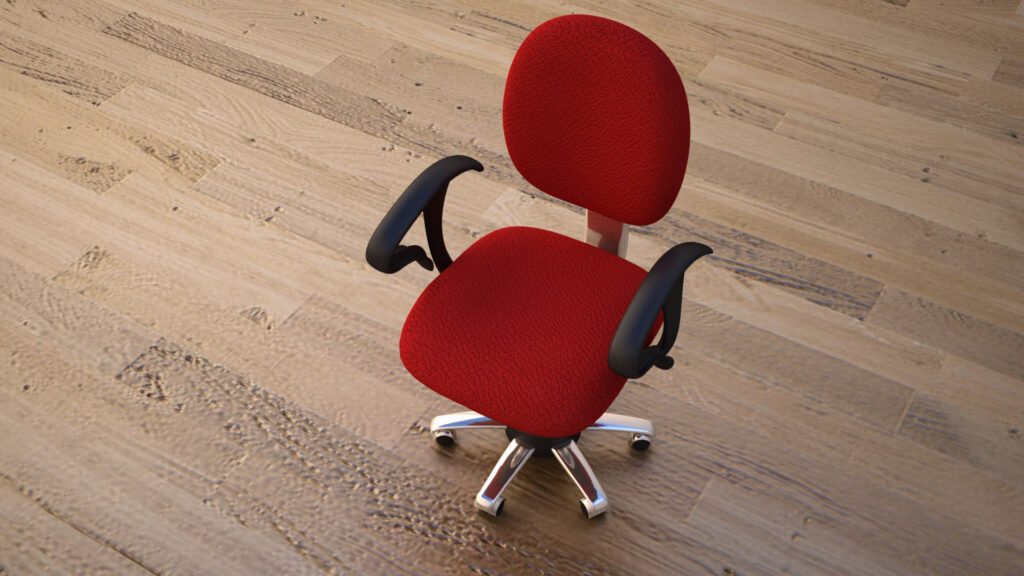
High-quality low-poly 3D pack featuring architectural columns and decorative fountains, designed for game development, architectural…
View model →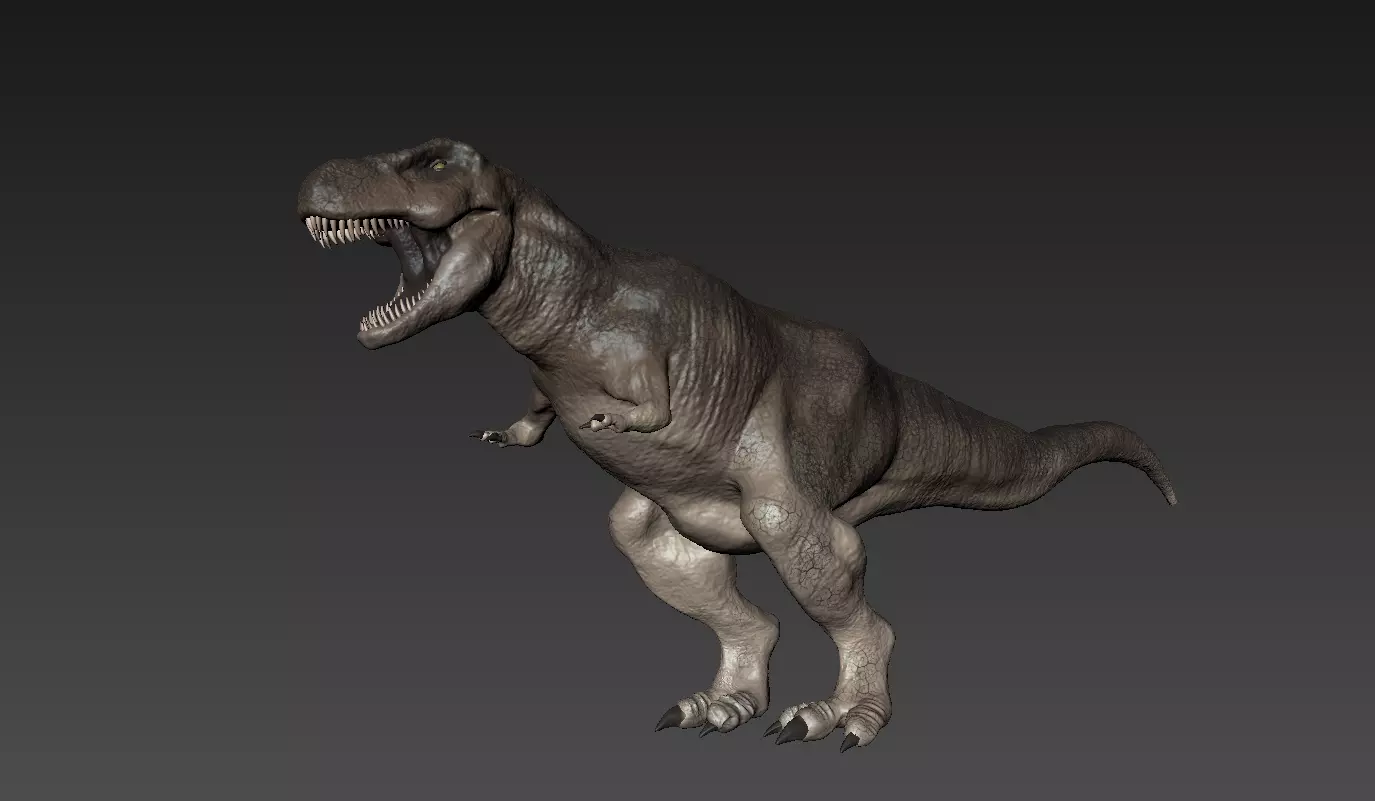
A detailed Tyrannosaurus Rex 3D model created for 3D visualization, animation, game development, prehistoric scenes…
View model →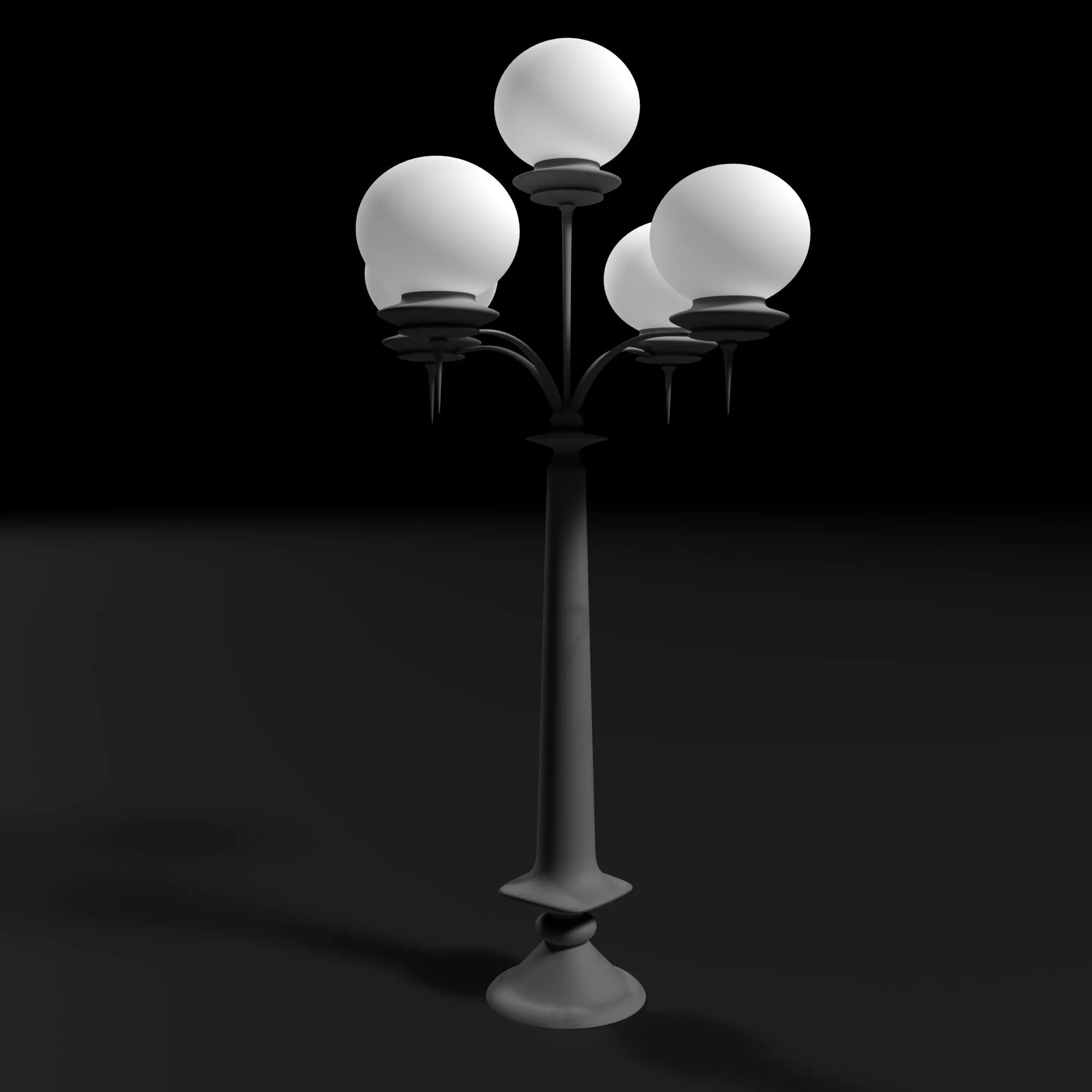
A realistic high-quality 3D street lamp model designed for architectural visualization, exterior rendering, urban environments,…
View model →